Your day, your people, a little more together.
Nook keeps your family's week in one calm place: what's on, who's handling what, and what's for dinner. It works for one person, a couple, or a whole household with kids and caregivers.
Coming soon to iPhone and iPad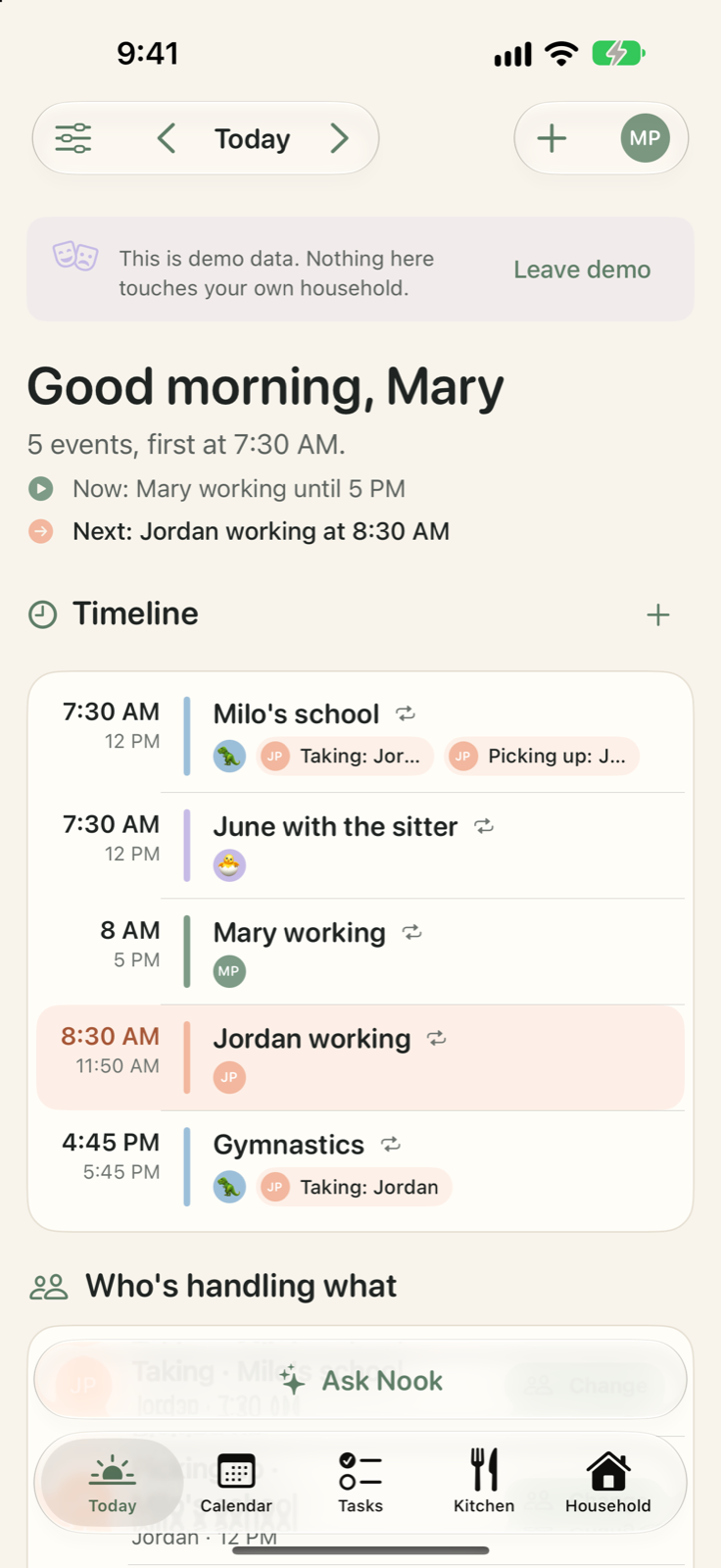
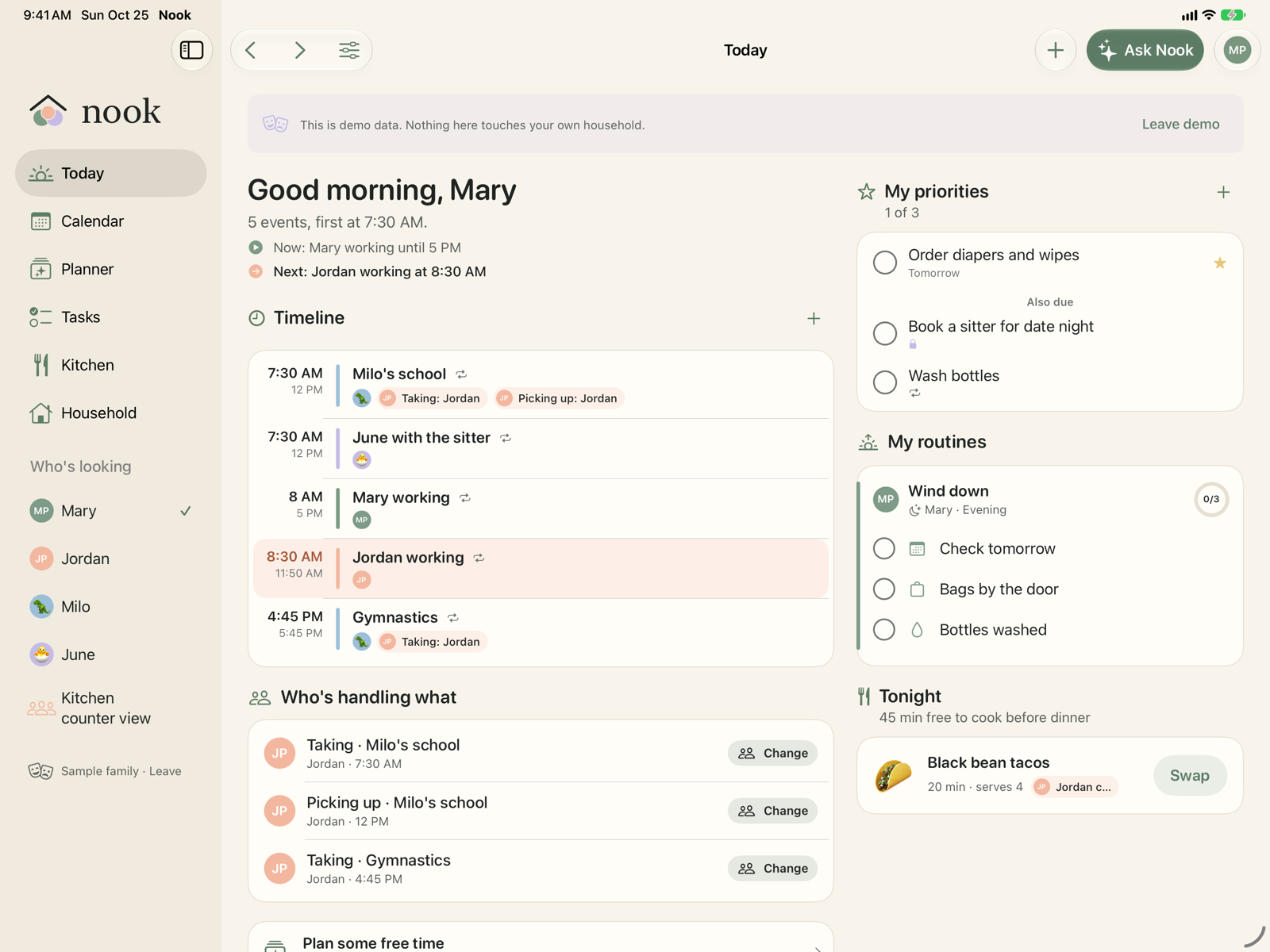
Today, at a glance
Open Nook and the day is there: what's next, where to be, who's taking and picking up, tonight's dinner, and anything that needs sorting.
Each person sees their own day on their own phone, and a shared iPad on the kitchen counter shows only what everyone may see.
Ask Nook
Ask in plain words. A question about your plans is answered straight away. A request comes back as a change card: tap Apply or Not now, and Undo is always there.
Paste a school flyer, a whole week's routine, or a recipe, and Nook lays it out for you to check before anything is added. Nook never changes the plan without your approval.
Who's picking up Milo tomorrow?
Jordan is picking Milo up from school at 12.
Move gymnastics to Thursday and Jordan's taking him.
One change
Gymnastics moves from Tuesday to Thursday, 4:45 PM. Jordan is taking Milo.
Done. Gymnastics is on Thursday at 4:45 PM, and Jordan is taking Milo. Undo
Send to Nook
Forward a school email to your household's own Nook address, or share a flyer, a link or a PDF from another app. Nook reads it and suggests what to add.
Nothing is added until you approve it.
To parkers-a8f3@in.createnook.app
Subject Fwd: Class picnic on Friday
Nook found one event: Class picnic, Friday 11:30 AM, for Milo. Add it?
This week
- Thu · Gymnastics 4:45 · Milo
- Fri · Class picnic 11:30 · Milo
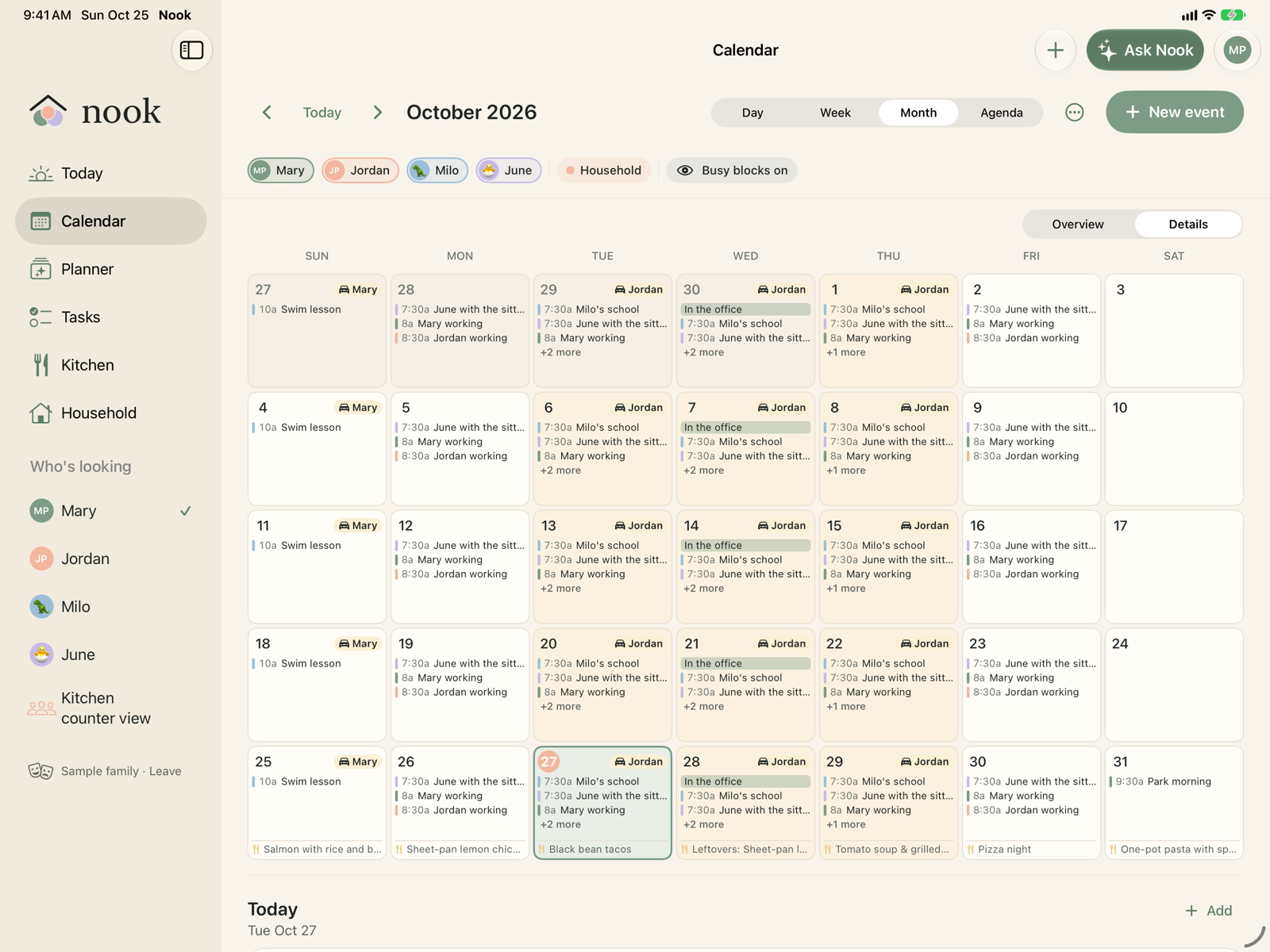
The family month, shared with one link
Everyone uses Nook on their own iPhone or iPad with their own Apple ID. Invite family with iCloud sharing, and a change on one phone shows on the others in seconds.
Edits made at the same time are merged. Nook works offline and catches up later.
The kitchen
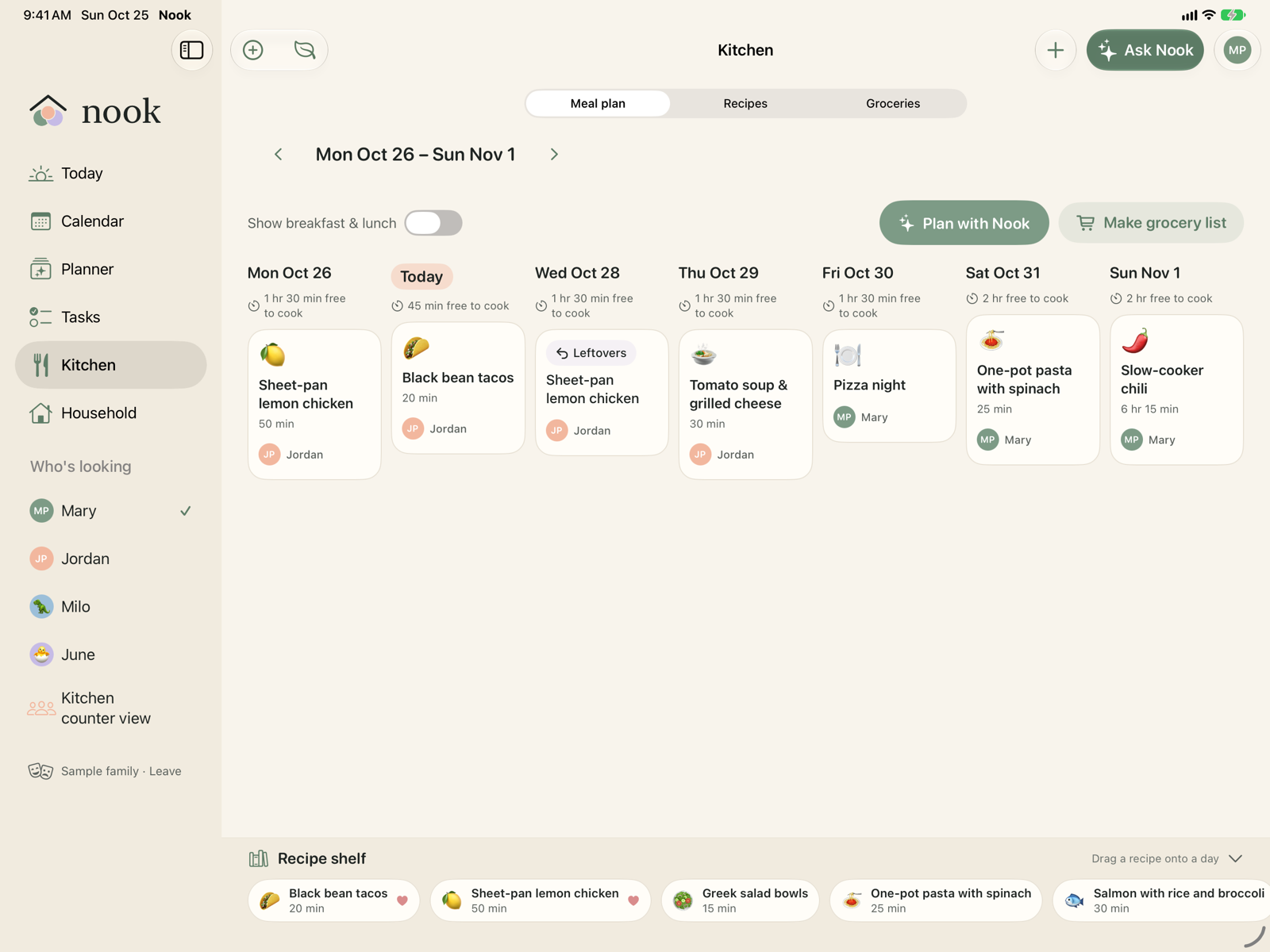
A meal plan, your recipes (typed, pasted, from a link or a photo), and a grocery list that merges ingredients and groups them by aisle.
Dinners plans each open night around the evening you actually have: quick when there's practice, soup when it's cold. What's missing goes on the list.
- Produce
- 3 onions
- Carrots
- Dairy
- Milk
- Yogurt
Siri, widgets and Control Center
"Hey Siri, ask Nook who's picking up." "What's on today in Nook." "Add to my Nook list." Widgets on the home screen and lock screen show what's next and who's handling it.
Short reads stay on your device with Apple Intelligence where it's available. The assistant is optional: everything in Nook works by hand.
- Siri
- Shortcuts
- Home screen widgets
- Lock screen widgets
- Control Center
- Share Sheet
Private when it should be
Nook has no ads and no tracking. Your plans live on your devices and in your family's iCloud; Nook has no server that stores them.
Every event and task is Household, Busy only (others see a block of time) or Private (only you). Read the privacy policy.